01
Preferred stay rhythm
Room categories, arrival times and on-site details arranged around how you actually want the stay to feel.

Region: Bodrum, Mandarin Oriental Bodrum
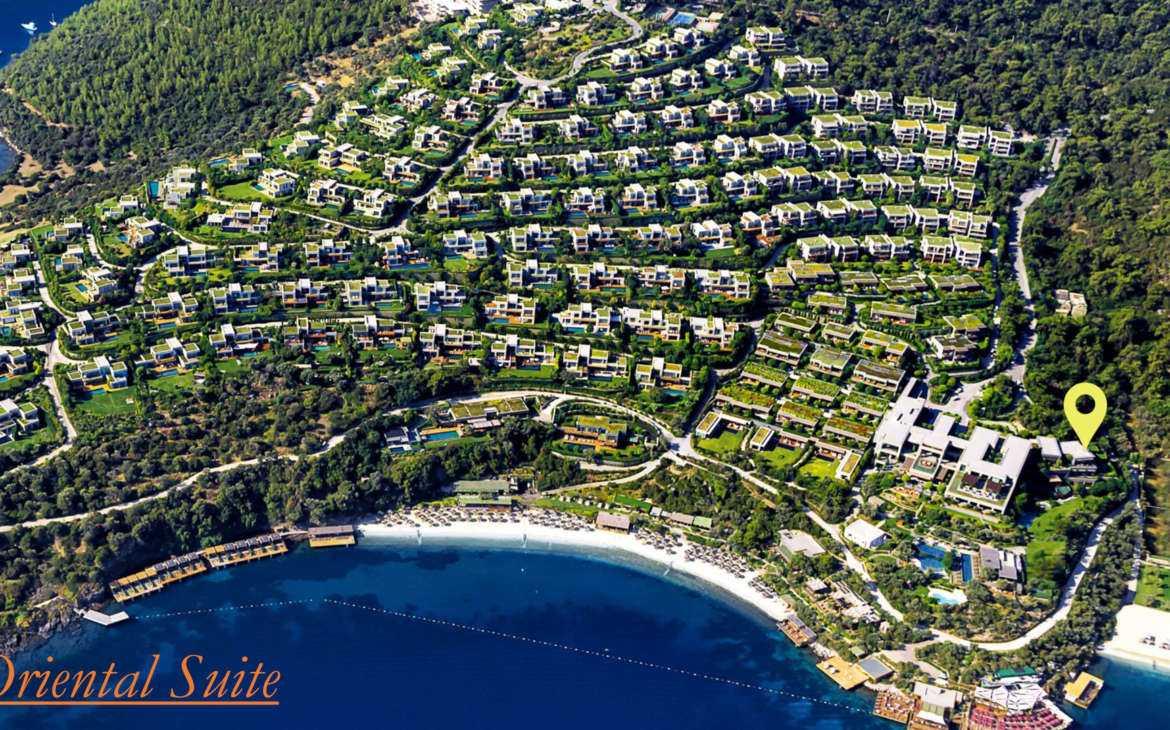
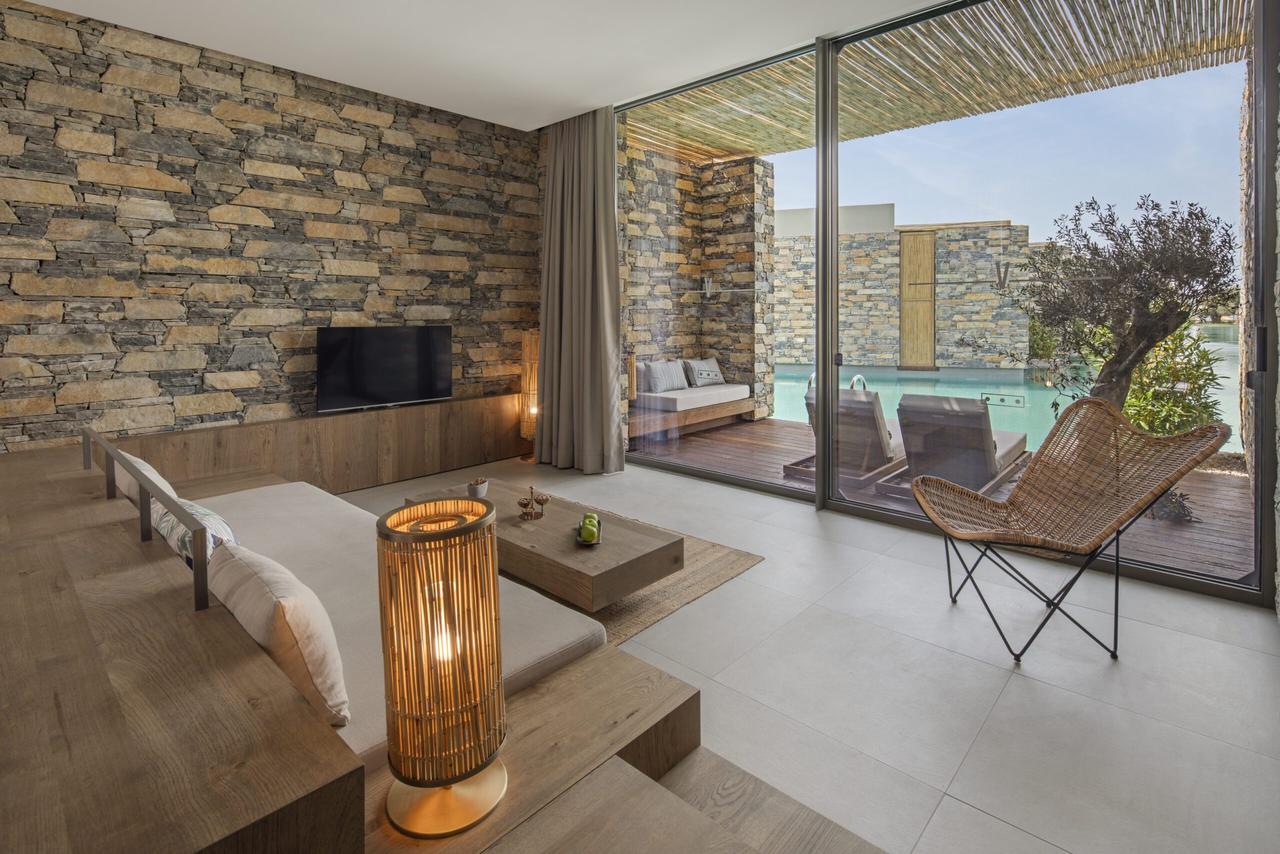
The Garden View Room at Mandarin Oriental Bodrum offers a serene escape amid the resort’s lush, landscaped surroundings. Ideal for guests who appreciate tranquility and natural beauty, this accommodation combines modern luxury with scenic garden vistas for a soothing, private retreat.
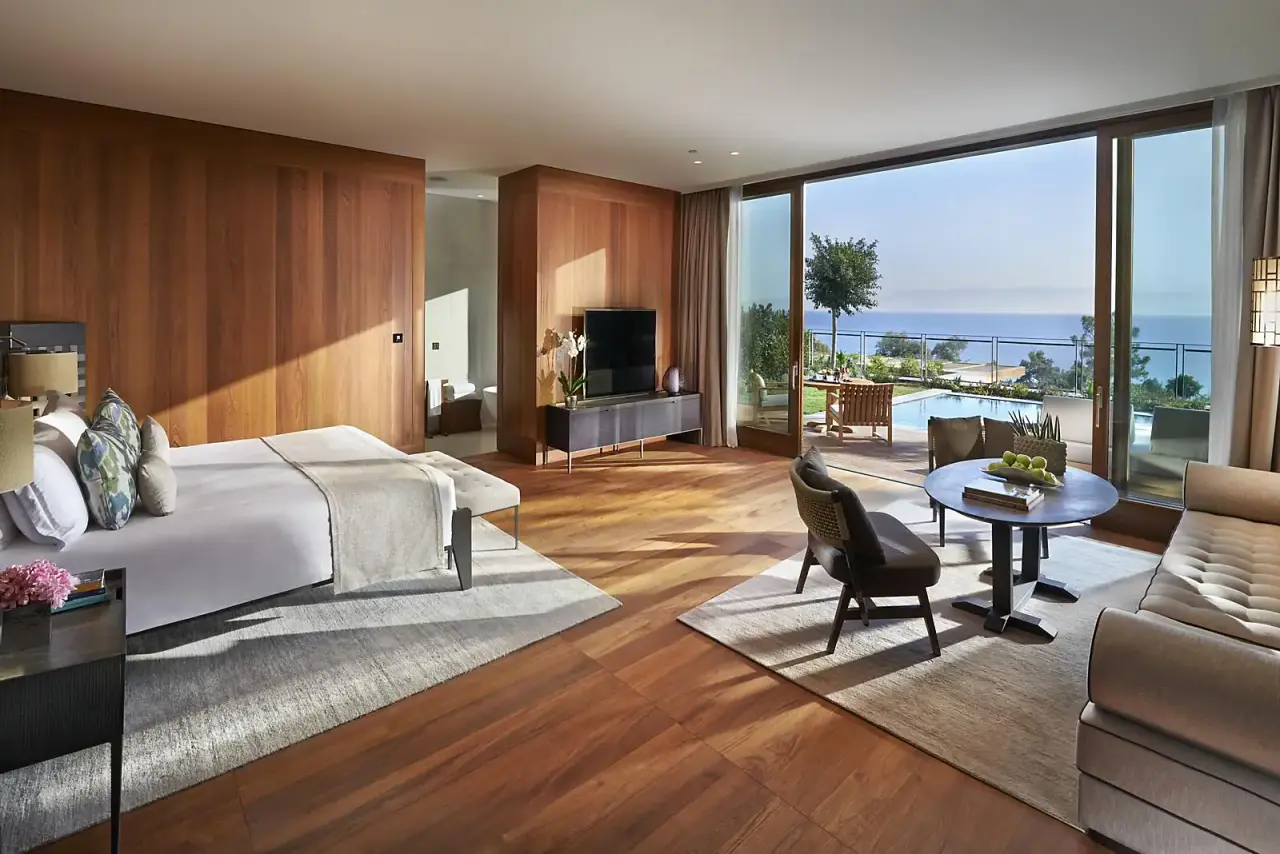
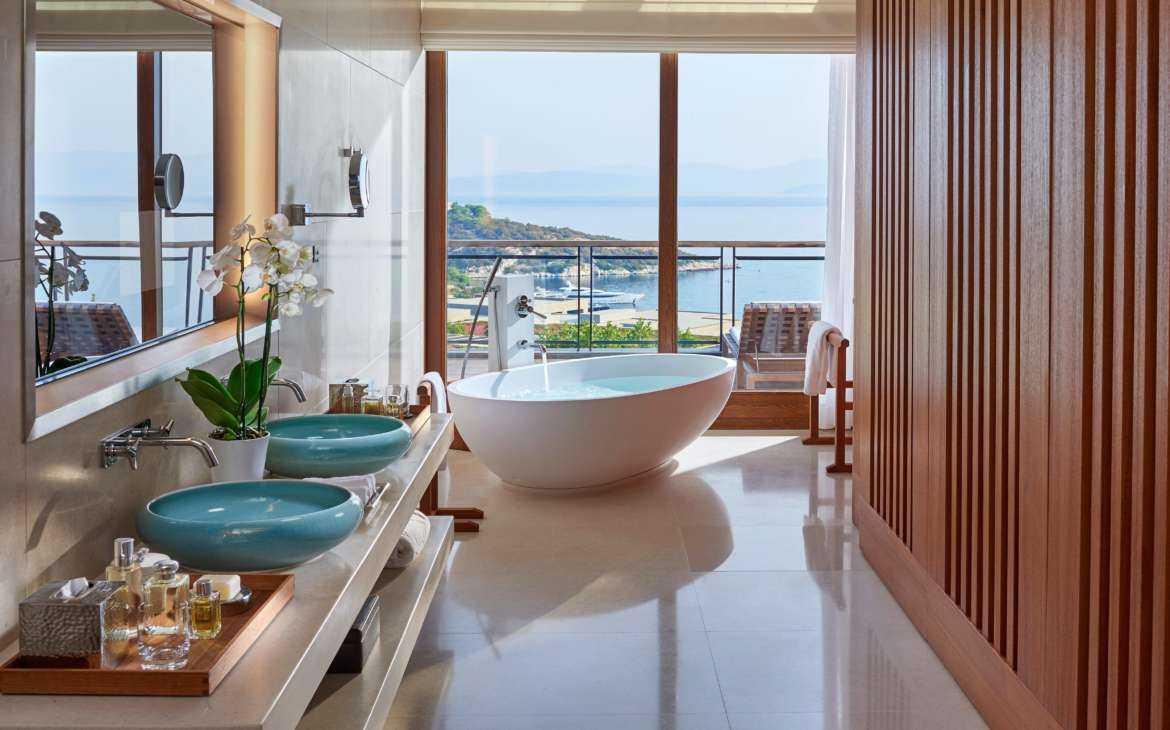
Contemporary in design and soothing in nature, these spacious Garden View Room Mandarin Oriental Bodrum enjoy a peaceful setting in the heart of the resort. Each room enjoys the benefit of an outdoor terrace complete with sunbeds and a dining area. Decorated in a neutral colour palette with wood floors and floor-to-ceiling windows, the custom-designed furnishings include a choice of king or twin beds and a comfortable sofa. Separated from the bedroom, the luxurious bathrooms have an equally modern feel with oversized bathtubs, twin vanity units with handmade porcelain bowls and powerful walk-in showers. Highlights include Garden View Room Mandarin Oriental Bodrum:
|
|
Amenities include:
|
|
We keep the practical booking logic simple, but present every detail with the calm of a high-end suite. You understand the property quickly, then hand the arrangements to a concierge who prepares the rest.
For a high-value stay, the difference is not only the property. It is the way the airport, transfers, dining, family needs and resort privileges are quietly aligned before you arrive.
Room categories, arrival times and on-site details arranged around how you actually want the stay to feel.
Airport fast-track, private transfers and a calm handover from the terminal to your door.
Reservations, special requests and experiences prepared ahead, so nothing is left to chance on the day.
Years of on-the-ground expertise across Turkiye's finest resorts, hotels and private villas.
Garden View Room Mandarin Oriental Bodrum at Mandarin Oriental Bodrum is arranged for guests who want a refined stay in Bodrum without the usual friction of planning. Room comfort, arrival timing and on-site details are prepared with VIP Travellers concierge support.
From the first enquiry to check-out, our team handles the practical side — airport service, transfers, dining and special requests — so the room becomes a calm base for your Bodrum holiday.
Book now to secure the best available rates, exclusive privileges, and a seamless luxury experience tailored to your stay — simply click the button in the bottom-right corner.